your bookmarks,tagged with people
A Chrome extension for bookmarks you can find by person, URL shortcuts you define, and tools for supported forums.
Desktop Chrome · ZIP download
MIT licensed
 Bookmarks
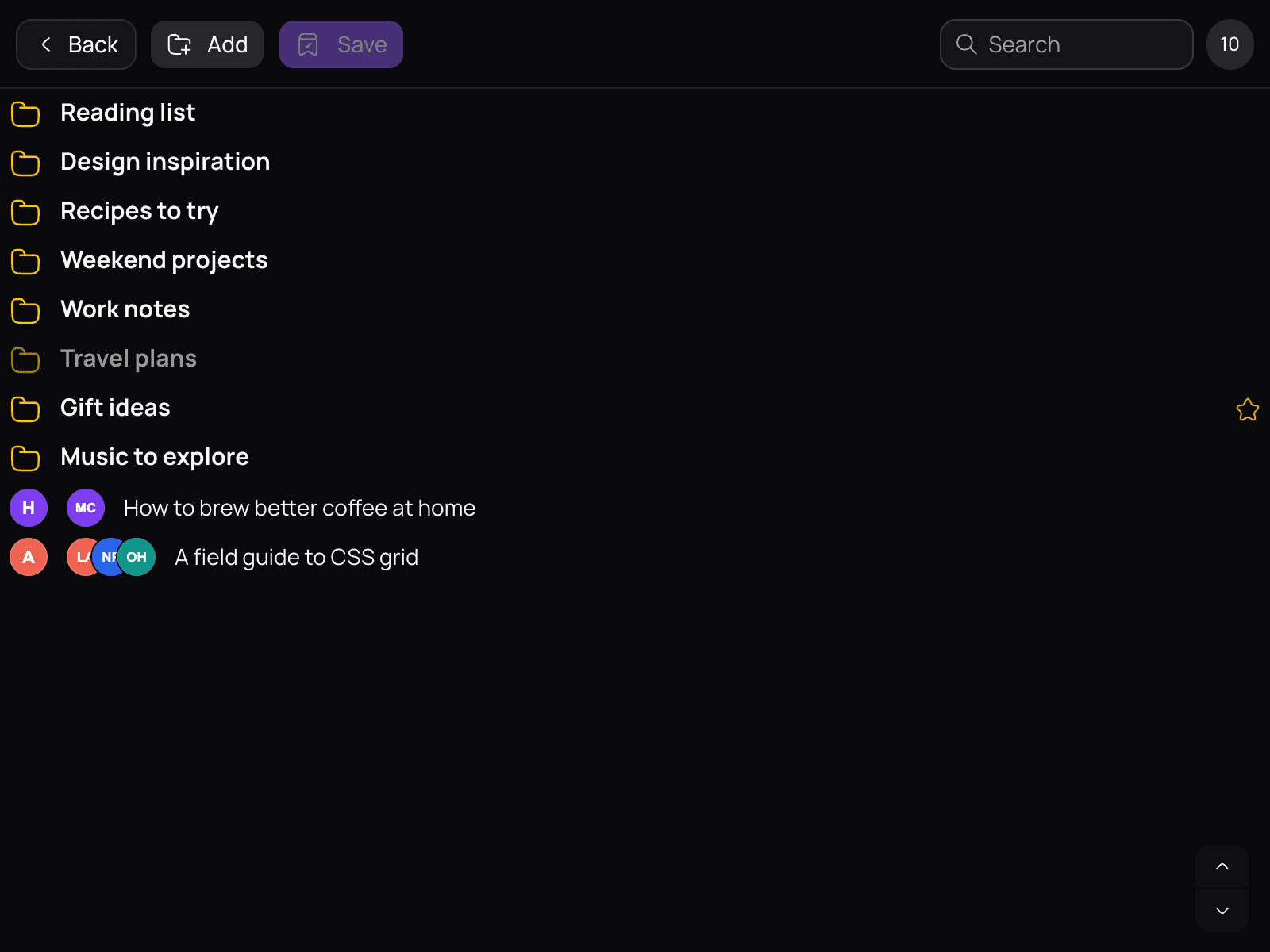
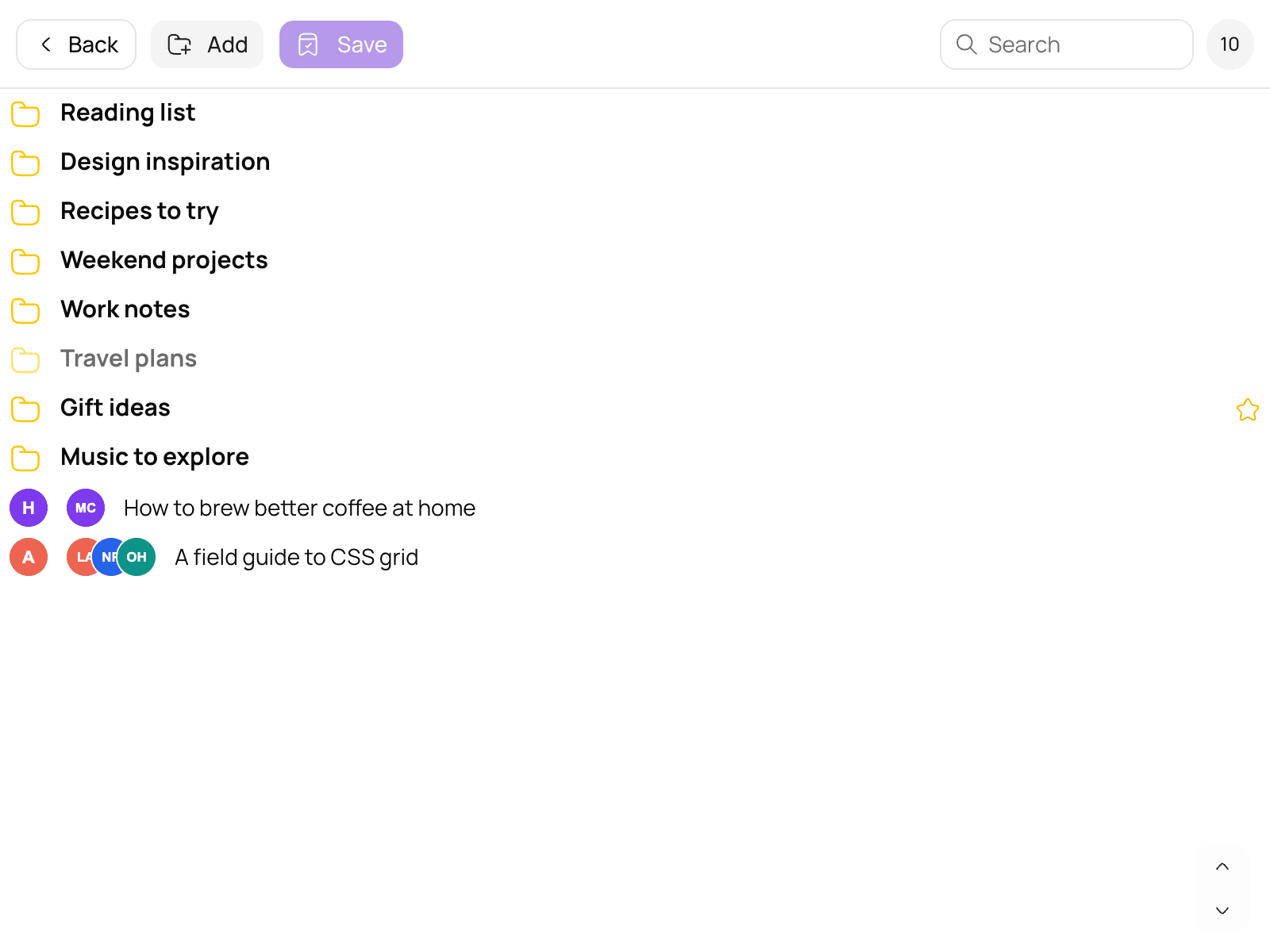
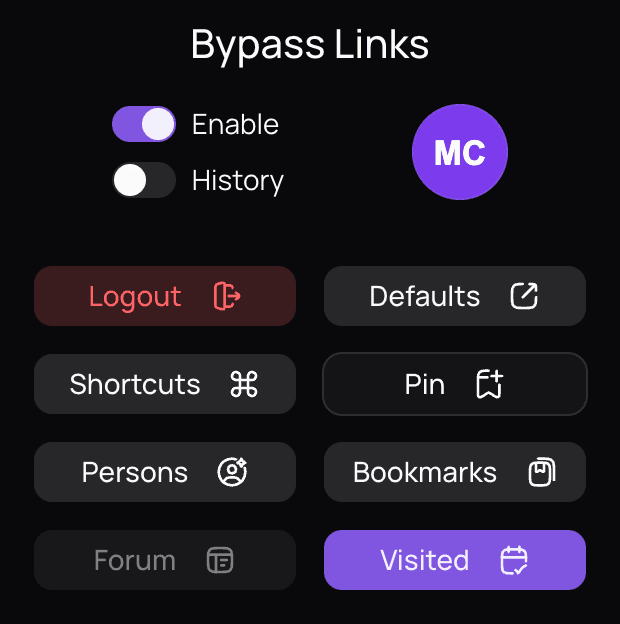
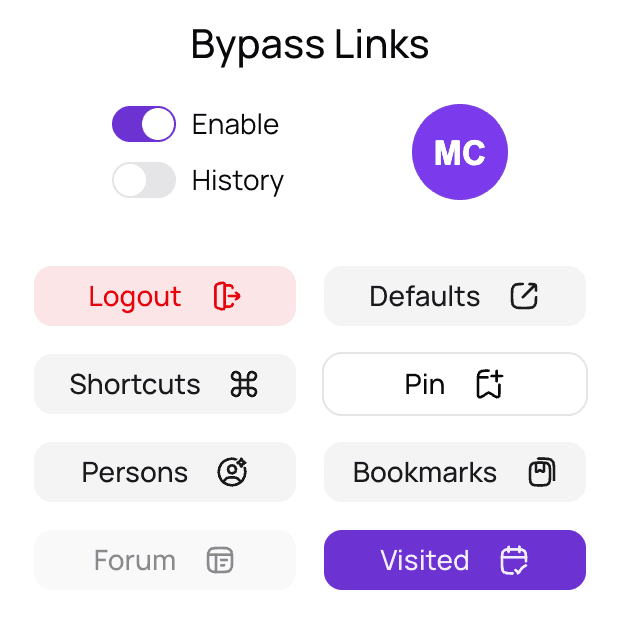
Product screens, shown with sample data.
what you getout of the box
Three tools in one popup: bookmarks you can find by person, shortcuts you define, and helpers for supported forums.
find linksby person
Save bookmarks in folders and tag them with the people they relate to. Filter your whole collection by anyone you have tagged. Pin opens the current tab ready to save.
shortcutsyou define
Map a short alias to a full address. When you open the alias, the extension redirects you to the site you set up.
forum toolsand history
On supported forums, the Forum button opens selected links from the current page, such as unread threads, in their own tabs. The History switch clears browser history for the time it was monitoring.
every feature included,nothing to pay for.
all in one popup
- Bookmarks tagged with people
- Custom URL shortcuts
- Forum tools and history controls
- MIT licensed, source on GitHub
questions,answered
What does Bypass Links do?
It is a Chrome extension for keeping and finding links. Save bookmarks in folders, tag them with people, set up URL shortcuts, and open links from supported forum pages in their own tabs.
Can I sign up?
Not right now. Bypass Links is not open to new sign-ups. Bookmarks, people, shortcuts and forum tools need an existing account, which signs in with Google.
Is it free?
Yes. There are no tiers and no ads, and the source is on GitHub under the MIT license.
How do bookmarks and person tagging work?
Choose Pin in the popup to open the current tab in the bookmark form. Pick a folder, tag the people it relates to, and save. You can then filter your whole collection by any person. People live in the Persons Panel with a name and a photo.
What data does it collect?
The extension has no analytics or tracking. Your bookmarks and people sync to the Bypass Links backend under your Google account, and bookmark titles and URLs are encoded on your device before they upload.
Which forums are supported?
The forum tools work on a set of configured forums, loaded when you sign in. What they can open depends on the forum and the type of page.
What does the History switch do?
While History monitoring is on, turning the switch off clears your browser history for that period, starting 30 seconds before monitoring began. Opening forum links or following a shortcut turns monitoring on.
How do I install it?
The download is a ZIP file. Unzip it, open chrome://extensions, turn on Developer mode, choose Load unpacked, and select the unzipped folder.
Does it work outside Chrome?
No. The download is an extension for desktop Chrome.
Something is not working. What should I do?
Open an issue with the steps to reproduce it. Please leave out any private links. Report a problem on GitHub

save the link.tag the people.find it later.
Desktop Chrome · ZIP download
MIT licensed